
Know what you’re looking at.
JobSift marks Promoted, Reposted and 100+ applicants listings directly in your LinkedIn results.
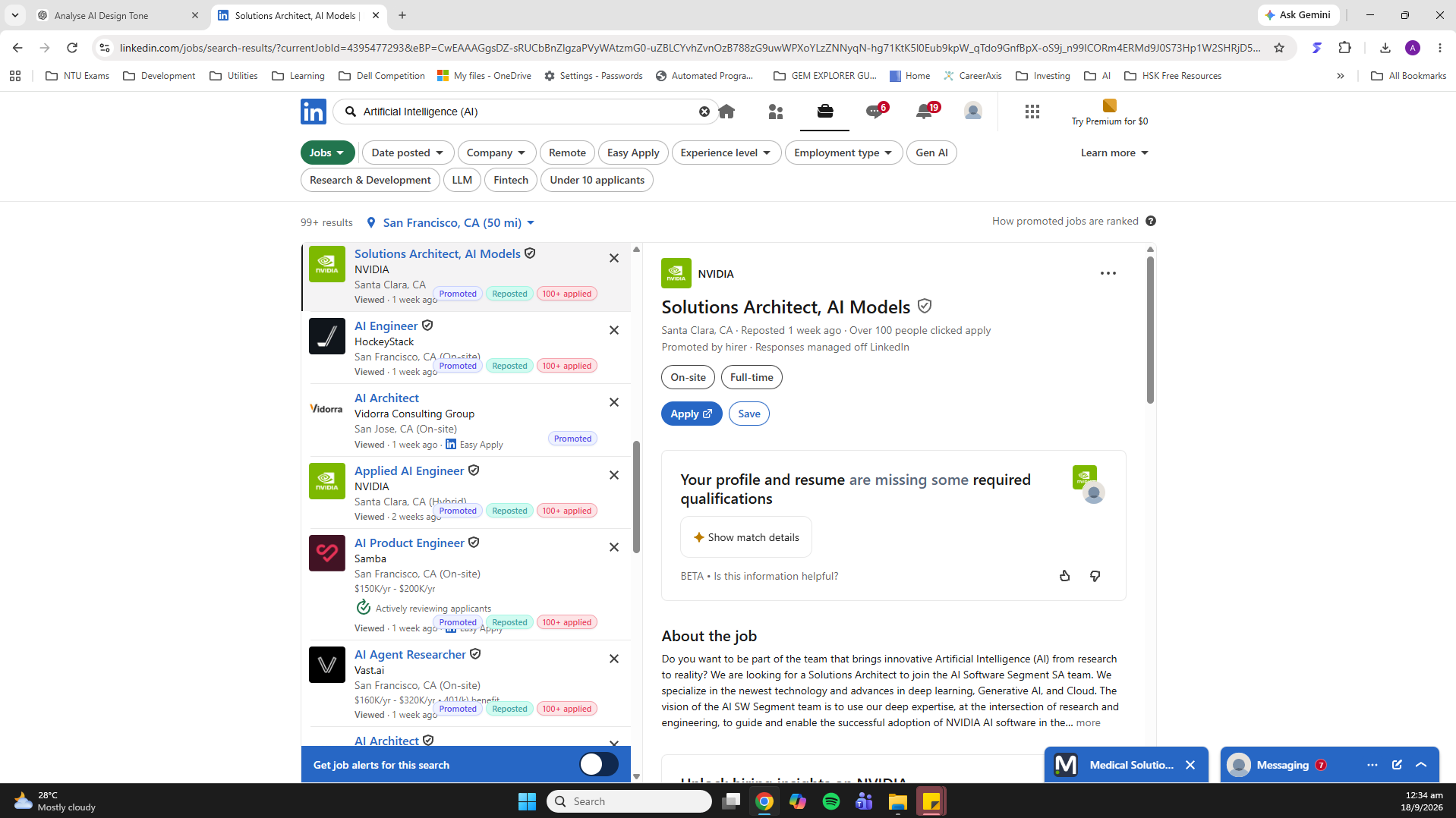
JobSift spots Promoted, Reposted and 100+ applicants listings on LinkedIn Jobs and lets you choose which types stay visible. You keep searching as usual.
A Chrome extension for LinkedIn Jobs
JobSift marks Promoted, Reposted and 100+ applicants listings directly in your LinkedIn results.
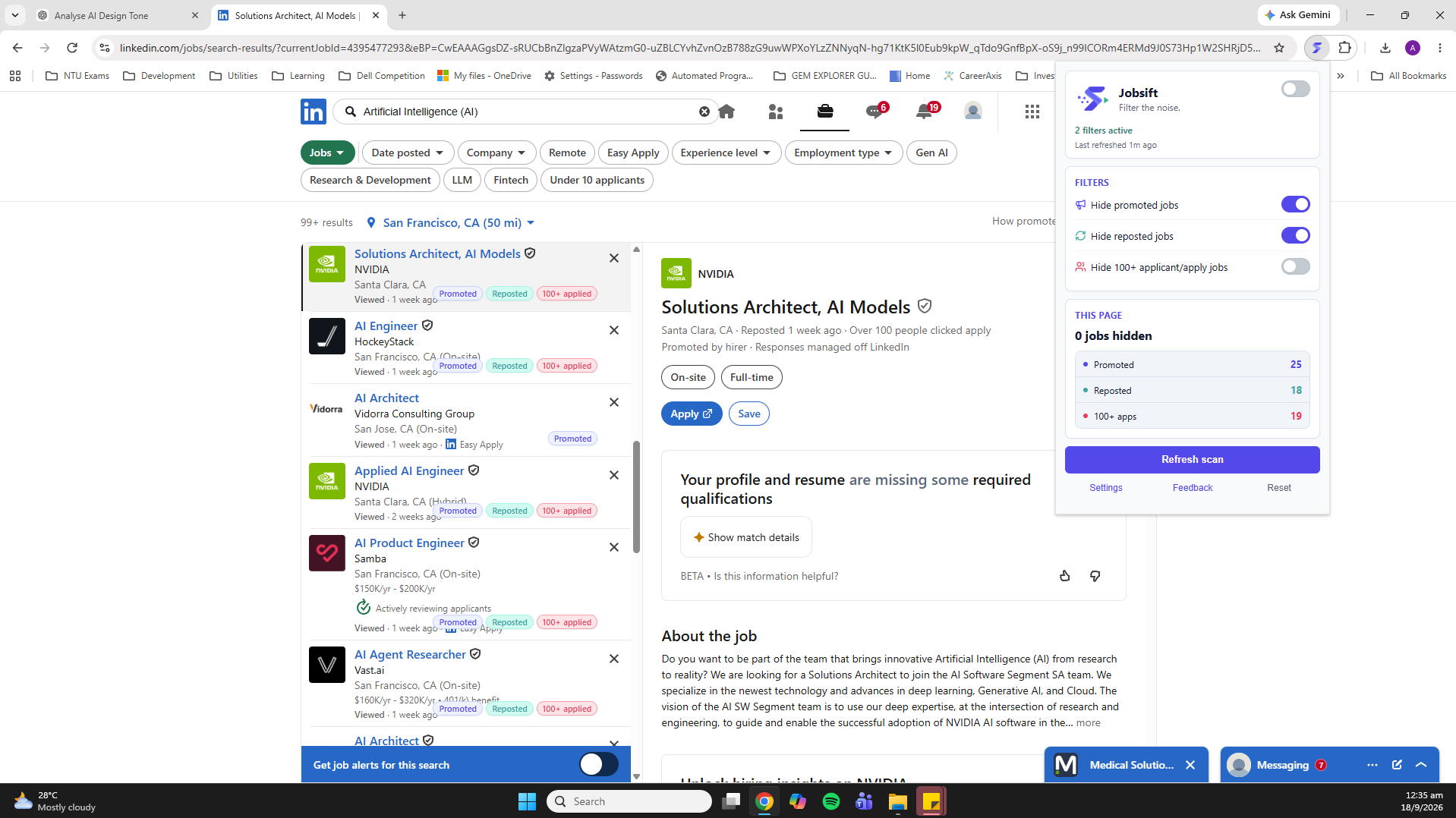
Choose which listing types stay in your results.
Search from LinkedIn’s “Describe the job you want” page as usual. JobSift scans automatically when the results load.
Open LinkedIn Jobs Search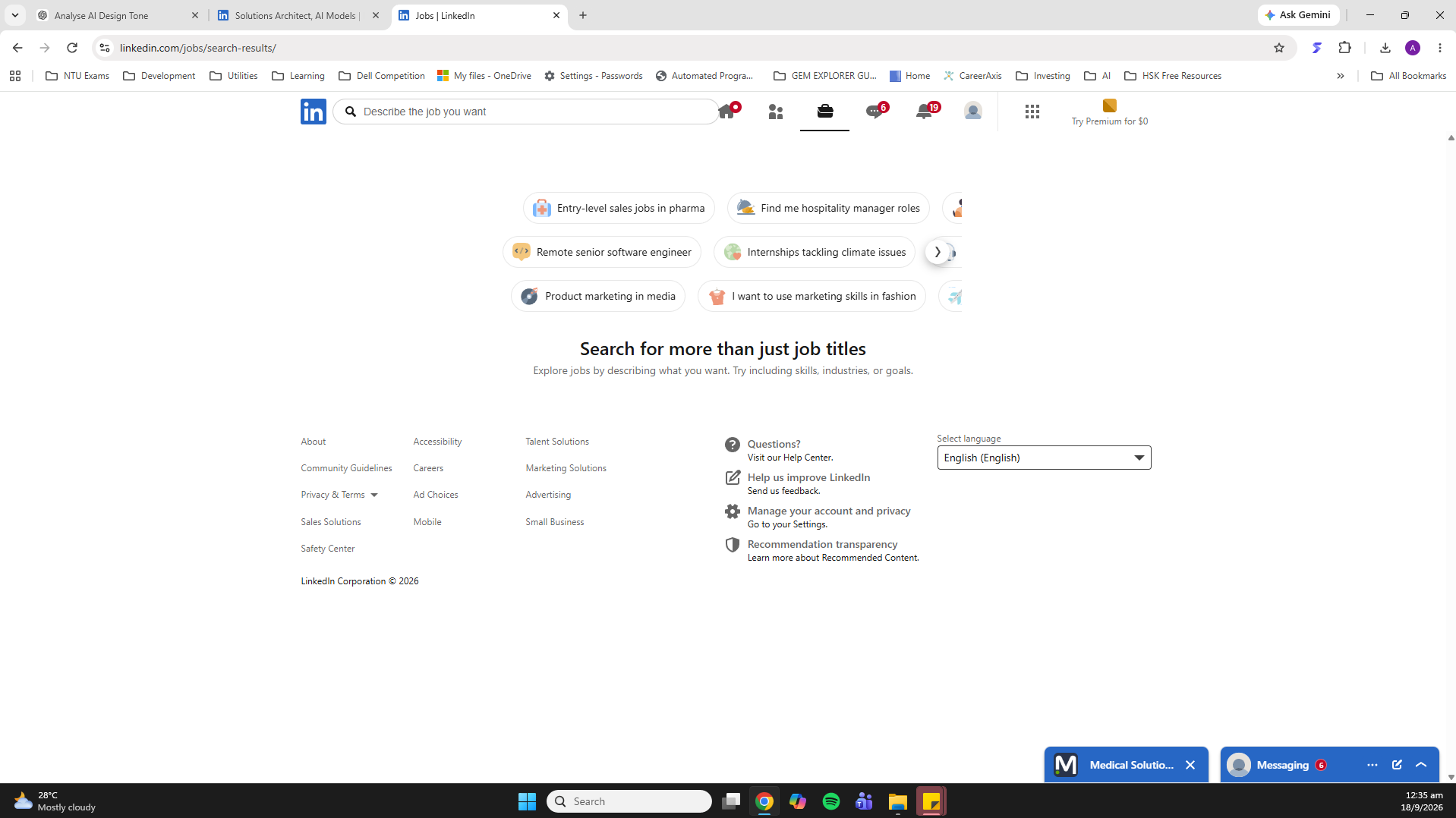
JobSift scans and filters supported LinkedIn Jobs results locally in your browser.
Privacy policyRight now, LinkedIn Jobs only. JobSift does not currently support other job platforms.
JobSift works with LinkedIn’s “Describe the job you want” Jobs search. It does not currently support Saved Jobs, Collections or standalone job-detail pages.
Open LinkedIn Jobs SearchLinkedIn has more than one Jobs search experience. JobSift supports /jobs/search-results/. The separate /jobs/search/ experience is not currently supported.
No. On the supported LinkedIn Jobs search, JobSift scans automatically when the results load.
JobSift identifies these signals. It does not assess whether a job is good, bad or suitable for you.
Yes. Each filter can be turned on or off, so you decide whether Promoted, Reposted and 100+ applicants listings stay visible.
If you have JobSift installed, open its popup and select Feedback. This opens the external feedback form.
For privacy questions, use the contact listed in the privacy policy.